RetroShoot Arcade Shooting Game
Reviews
RetroShoot delivers a clean, addictive arcade experience with its pixel-art style and simple mechanics. The increasing difficulty keeps each level engaging, while bonus items add replay value. It is ideal for short breaks or longer sessions, offering safe entertainment for all ages. The lack of violence makes it a standout choice for families.
About This Game
Game Introduction
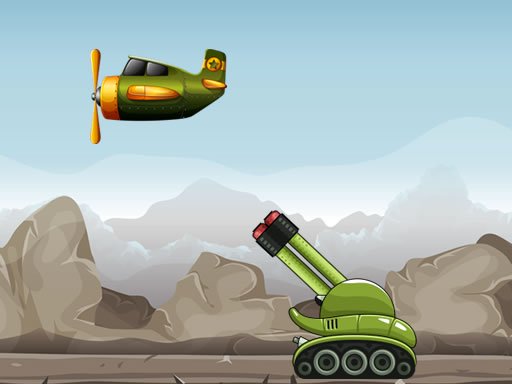
RetroShoot Arcade Shooting Game is a family-friendly shooting gallery experience inspired by classic arcade machines. Players aim at colorful, non-violent targets in a vibrant retro world, focusing on precision and reflexes to earn points. The game captures the nostalgic feel of old-school arcades while ensuring a safe environment suitable for all ages. Its core objective is to enjoy the thrill of target shooting without any violent or inappropriate content.
How to Play
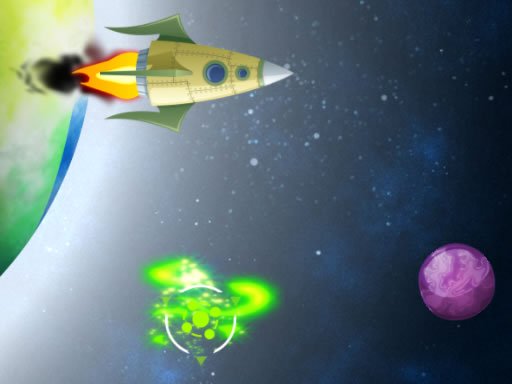
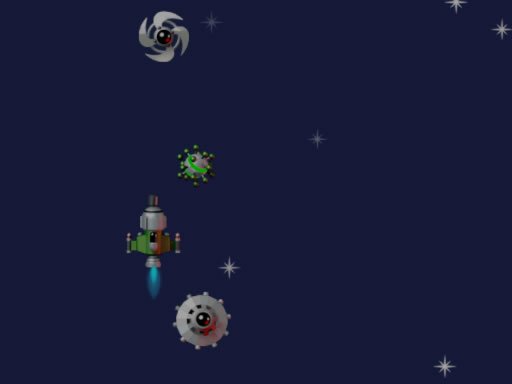
Playing RetroShoot is straightforward: use your mouse or touch screen to aim at moving targets on the screen. Click or tap to shoot and score points. Each round gives you a limited number of attempts, so accuracy matters. Collect bonus items that appear to boost your score and unlock new backgrounds. The game progresses through multiple stages with increasing difficulty, keeping the action fresh and challenging. No complicated rules—just point, shoot, and have fun.
Game Features
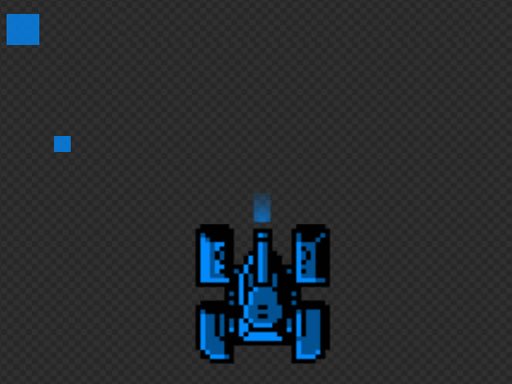
RetroShoot features pixel-art graphics that evoke classic arcade charm. Controls are easy to learn, making the game accessible to everyone. It is family-friendly, with no violent or inappropriate content. Endless fun comes from varied levels and increasing difficulty. Bonus items add strategic depth, and unlockable backgrounds provide visual variety. The upbeat soundtrack enhances the retro feel, creating an immersive arcade atmosphere.
Tips for Success
To excel in RetroShoot, practice your aim and timing to hit moving targets efficiently. Focus on accuracy over speed, as each shot counts. Keep an eye out for bonus items that can significantly boost your score. As difficulty increases, anticipate target patterns and adjust your aim accordingly. Regular play will improve your reflexes and help you achieve higher scores. Most importantly, enjoy the nostalgic arcade experience without stress.
Compatibility
System Requirements