Night Watch Defender
Reviews
Night Watch Defender targets players who want a quick, low-pressure defense game. Its cartoon ghouls and cemetery setting keep the tone playful, while ammo management and tool selection add light strategy. The game is easy to pick up but offers gradual difficulty increases and unlockable tools. It is best suited for casual gamers and families seeking short, accessible sessions rather than deep tactical challenges.
About This Game
Defending the Cemetery Gates
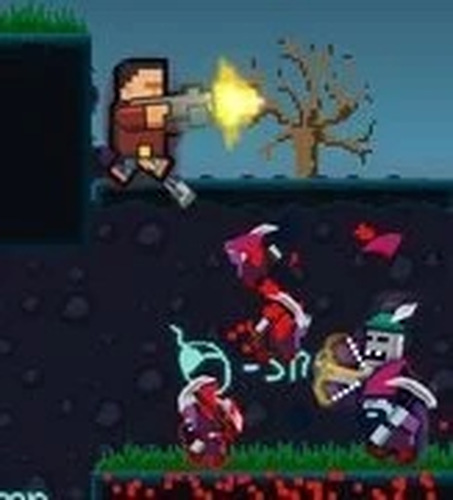
In Night Watch Defender, you play as a friendly security guard whose job is to stop a group of mischievous ghouls from reaching the graves. The game uses a playful, cartoonish art style, so the ghouls come across as silly rather than frightening. The action stays focused on strategic defense, with no graphic content. Your main objective is simple: prevent the ghouls from reaching their targets. Each successful block earns points and may unlock new tools or upgrades, giving you a reason to keep refining your approach.
Tools, Ammo, and Wave Tactics
You aim and activate your chosen tool using either a mouse or touch controls. A collection of tools is available, and picking the right one for each wave matters. Ammo is limited, so you need to keep an eye on your remaining shots and reload during calm moments. As you progress, new waves of ghouls appear with slightly different behaviors, which pushes you to adapt your strategy rather than repeat the same routine. The difficulty ramps up gradually, so planning your moves wisely becomes more important over time.
Designed for Short, Low-Stress Sessions
The controls are intuitive enough that new players can start immediately, but there is still room to improve accuracy and timing. Because the game is easy to pick up and play, it works well for short breaks or longer sessions. The lighthearted atmosphere and simple mechanics keep the experience accessible, while the need to manage ammo and choose tools adds a layer of strategy without complexity. Players can experiment with different tools to find what works best for each wave.
Editorial Notes
Compatibility
System Requirements




Comments
0 comments