Ragdoll Arena Arcade Game
Reviews
Ragdoll Arena 2 Player Game Online delivers a solid collection of mini-games that are easy to pick up but offer enough variety to stay interesting. The AI opponent provides a good challenge for solo play, while local multiplayer is great for friendly competition. Earning coins to unlock costumes adds a nice incentive to keep playing. The controls are responsive, and the games are designed for short sessions, making it ideal for casual gaming. Overall, it is a well-rounded arcade experience that offers good replayability for players of all ages.
About This Game
Game Introduction
Ragdoll Arena is a casual arcade game that focuses on quick, competitive challenges. Designed for two players, it offers a variety of mini-games where the primary goal is to outscore your opponent. The game supports both solo play against an AI and local multiplayer on the same device, making it suitable for short gaming sessions or friendly competition. Each mini-game presents a unique objective, but the overall aim remains consistent: be the first to reach a set number of points. This variety ensures that each play session feels fresh and engaging.
How to Play
In Ragdoll Arena, players control their characters using simple keyboard inputs. For Player 1, movement is typically handled with the WASD keys, while actions such as jumping or shooting are performed with the G key. Player 2 uses the arrow keys for movement and the P key for actions. Each mini-game has its own specific rules, but the common thread is scoring points before your opponent. Examples include slicing fruits, hammering targets, catching chickens, or engaging in rooftop shooting matches. The controls are designed to be intuitive, allowing players of all ages to jump in quickly.
Game Features
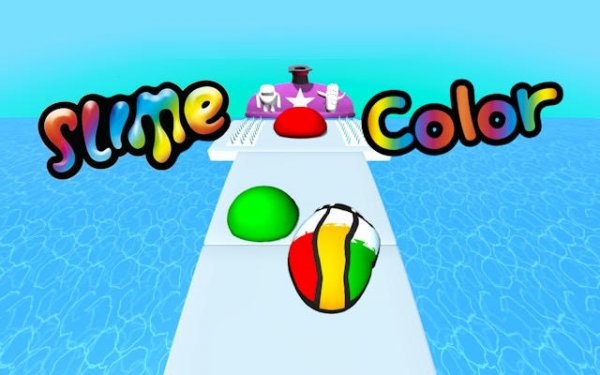
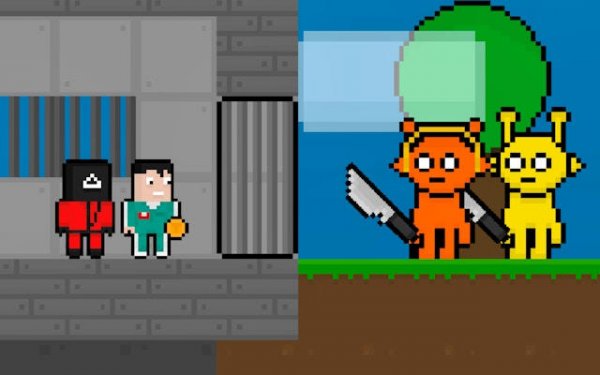
This arcade game includes a collection of 14 unique mini-games, providing substantial variety and replayability. It offers both a single-player mode against a computer opponent and a local multiplayer mode for head-to-head play on the same device. Players can earn coins through matches, which can be used in an in-game shop to purchase new costumes for their character, adding a layer of personalization. The simple controls and family-friendly nature make it accessible to a wide audience.
Tips for Success
To excel in Ragdoll Arena, focus on learning the specific mechanics of each mini-game, as each requires a different strategy. Practice regularly to improve your reaction time and accuracy, especially in fast-paced challenges. When playing against the AI, observe its patterns to anticipate moves. In multiplayer, communication with your opponent can enhance the fun, but also pay attention to your own performance. Use the coins you earn to unlock costumes, which can serve as motivational goals. Most importantly, enjoy the variety and keep each session light-hearted.
Compatibility
System Requirements